Adding a new project is simple.
After logging in, your homepage will consist of all prior projects, press 
Now you are able to fill out all relevant details:
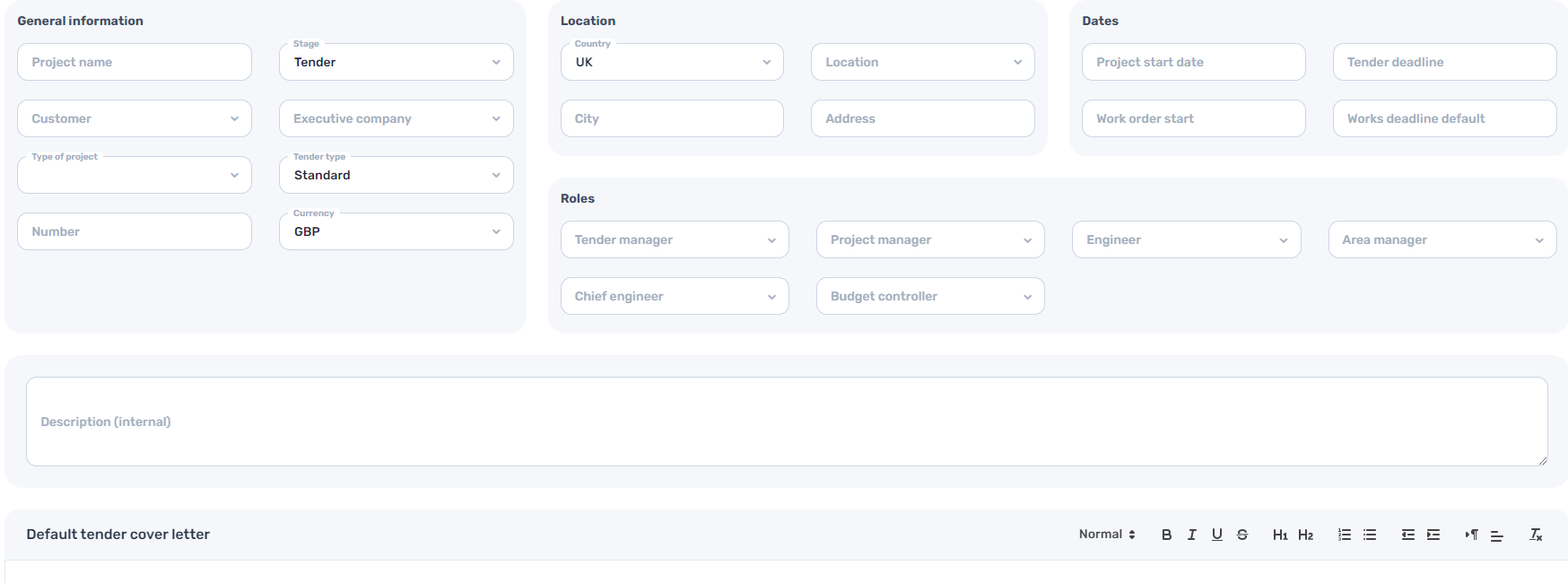
Please note: some of the info filled out here will be automatically planted in the invite email you will later send to contractors.
The fields that will be planted automatically (unless you choose to leave them empty):
- Project name
- Customer
- Works deadline default
- Default tender cover letter
After pressing  your project will be up and running, please refer to Uploading a BOQ for further guidance.