If your BOQ is long and complex with dozens of work types along with thousands of rows, finding a specific one can be tiresome.
The ConWize system has a smart search feature, allowing you to find the row in seconds.
On the BOQ page go to  .
.
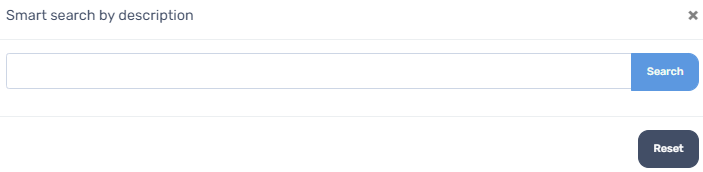
Here you can search for a specific word that is in the row description.
- If you have a word that you don't want just add "-" (minus) before the word and all the results will not include that word.
- If you wish to look for two words just write them (no addtion needed).
- Don't forget to "reset" your search at the end to see your original BOQ.